Factorio Essential Controls & Shortcuts Guide
Useful Factorio 2.1 controls and repeatable building workflows, with key-binding checks and blueprint safety notes.
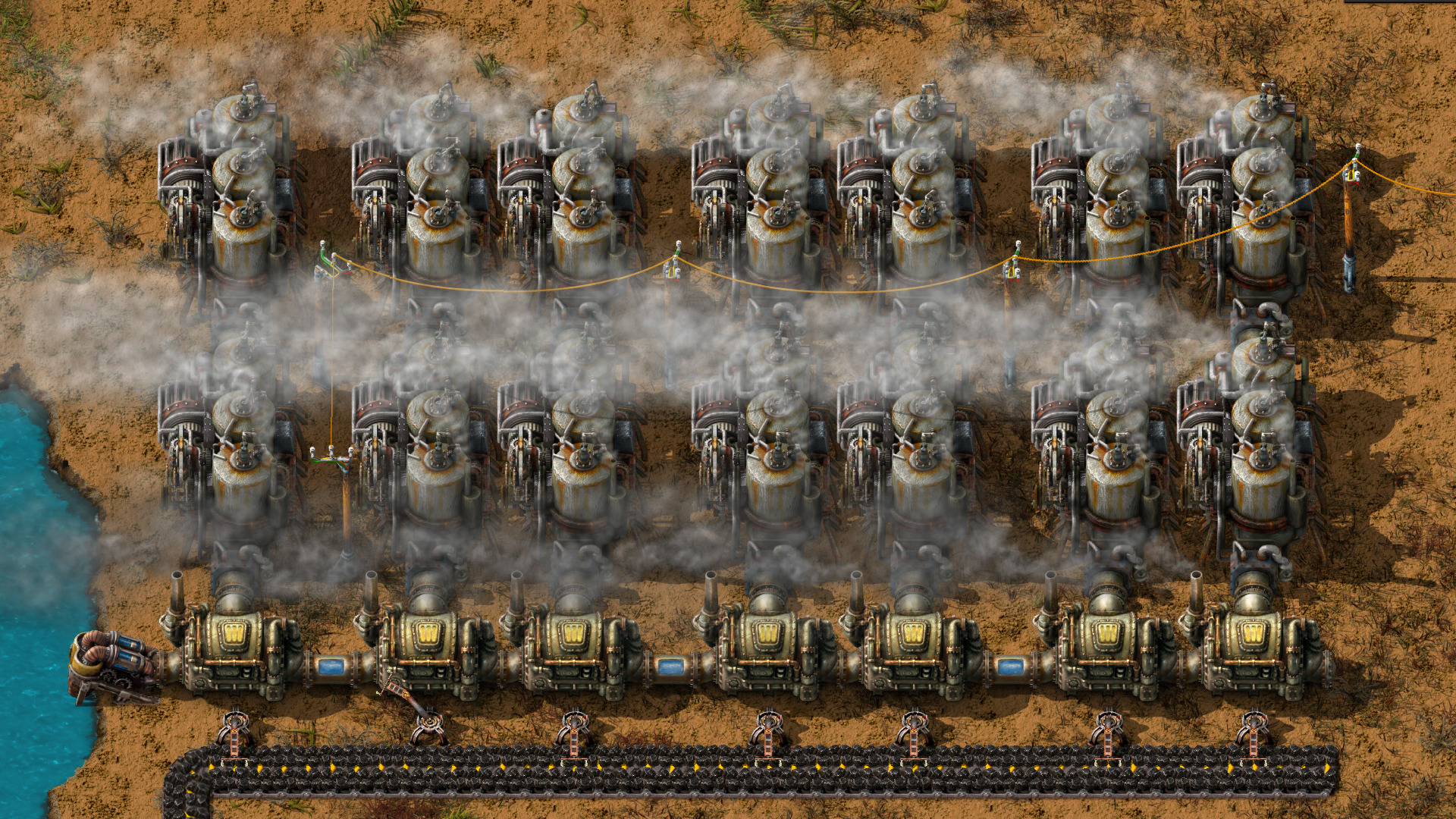
Factorio becomes much easier to manage when you stop rebuilding every repeated action by hand. Controls can be rebound, so confirm your own shortcuts in Settings → Controls rather than assuming every keyboard uses the defaults below.
Core building workflow
Use the pipette tool (commonly Q) on an existing entity to select the same item for placement. This is especially useful when extending belts, power poles, inserters and assemblers. Use the detailed-information overlay (commonly Alt) to show machine recipes and other useful status indicators while diagnosing production.
Copy, paste and undo
Copy a working arrangement with the standard copy shortcut (commonly Ctrl+C), then paste it (commonly Ctrl+V) where the same inputs and outputs make sense. Undo (commonly Ctrl+Z) can reverse many recent building actions. Check the preview before confirming placement: a copied factory block still needs the correct orientation, power coverage and resource supply.
Blueprints and ghost planning
Blueprints preserve layouts for repeated use, while ghost placement lets you plan construction before every required item is available. Use this to establish consistent furnace rows, mining layouts and modular production blocks. Keep room around copied sections for belts, poles and maintenance access.
Use the map and remote workflows
Open the map to inspect distant production areas, resource patches and logistics. Later technology enables more advanced remote planning and construction. A map view is particularly useful when tracking why an outpost is no longer delivering supplies.
Efficient troubleshooting routine
- Turn on detailed information and identify the first stopped machine.
- Check whether its output is blocked or an ingredient is missing.
- Trace the missing ingredient backwards through belts, inserters and producers.
- Inspect electricity if multiple unrelated machines slow down together.
- Copy or blueprint a corrected production block only after it runs reliably.
2.1 changes to know before using older blueprints
Factorio 2.1 added more flexible circuit-network input/output behaviour and updated fluid handling, including fluid mixing prevention. Existing 2.0 save games can load in 2.1, but some circuit-based designs may need attention. Back up saves and blueprints before upgrading; 2.1 saves and blueprints cannot be downgraded to 2.0. Wube's release notes explain the affected systems.
Base game versus Space Age
Copying, pipette selection, map navigation and early factory planning are core workflows. Space platforms and interplanetary logistics belong to the Space Age expansion and should not be expected in an unmodded base-game save.
Version reference: Wube Software, Factorio 2.1 Stable, 23 October 2026. Space Age features are identified separately from the base game.
Continue exploring Factorio
Follow the other beginner guides below or return to the Factorio Guides hub.
Image credits
Official Factorio promotional imagery © Wube Software Ltd. Risen Ancients is an independent guide publisher and is not affiliated with Wube Software.